

The Ultimate Guide to Creating a YouTube Thumbnail That Gets Clicks
Your YouTube thumbnail is the single most important element for the success of your video. It’s more important than your title, your description, and your
Your YouTube thumbnail is the single most important element for the success of your video. It’s more important than your title, your description, and your tags. In the crowded, fast-paced world of YouTube, your thumbnail is your video’s billboard. It has less than a second to grab a viewer’s attention and convince them that your content is worth their time. A great thumbnail can make a good video go viral, while a bad one can doom even the most amazing content to obscurity.
This guide will break down the science and psychology behind a high-performing thumbnail. We’ll cover the essential design principles that top creators use to dominate the platform. Most importantly, we’ll introduce a revolutionary new tool designed to take the guesswork and frustration out of the process, empowering you to create professional, click-worthy art in minutes, not hours.
To understand why thumbnails are so crucial, you need to understand YouTube’s primary goal: to keep viewers on the platform for as long as possible. The algorithm achieves this by promoting videos that people are likely to click on and enjoy.
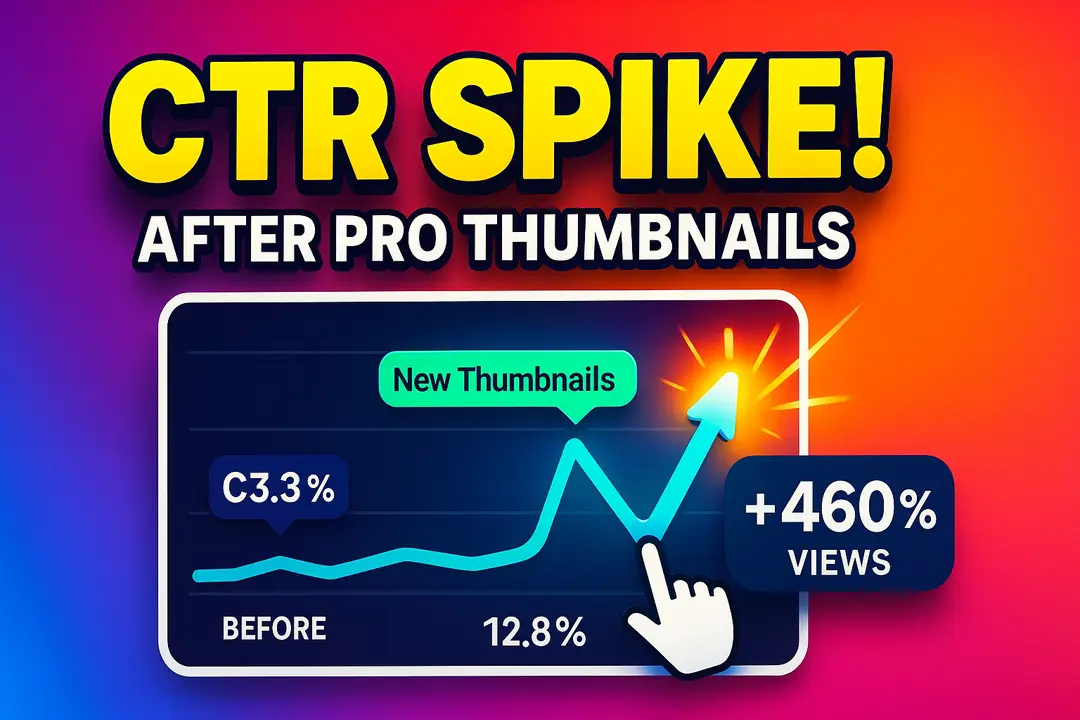
The key metric here is the Click-Through Rate (CTR). This is the percentage of people who see your thumbnail and decide to click on it. A high CTR sends a powerful signal to the YouTube algorithm that your content is compelling and relevant. In response, YouTube will show your video to an even wider audience, creating a snowball effect of views and growth.
Your thumbnail is the engine of your CTR. It’s a visual promise to the viewer. A powerful thumbnail combined with a great title creates a strong “information scent,” assuring the viewer that the content will be valuable, entertaining, or solve a problem they have.
Every high-performing thumbnail leverages a combination of core design and psychological principles. Before you can create great thumbnails, you need to understand what makes them work.
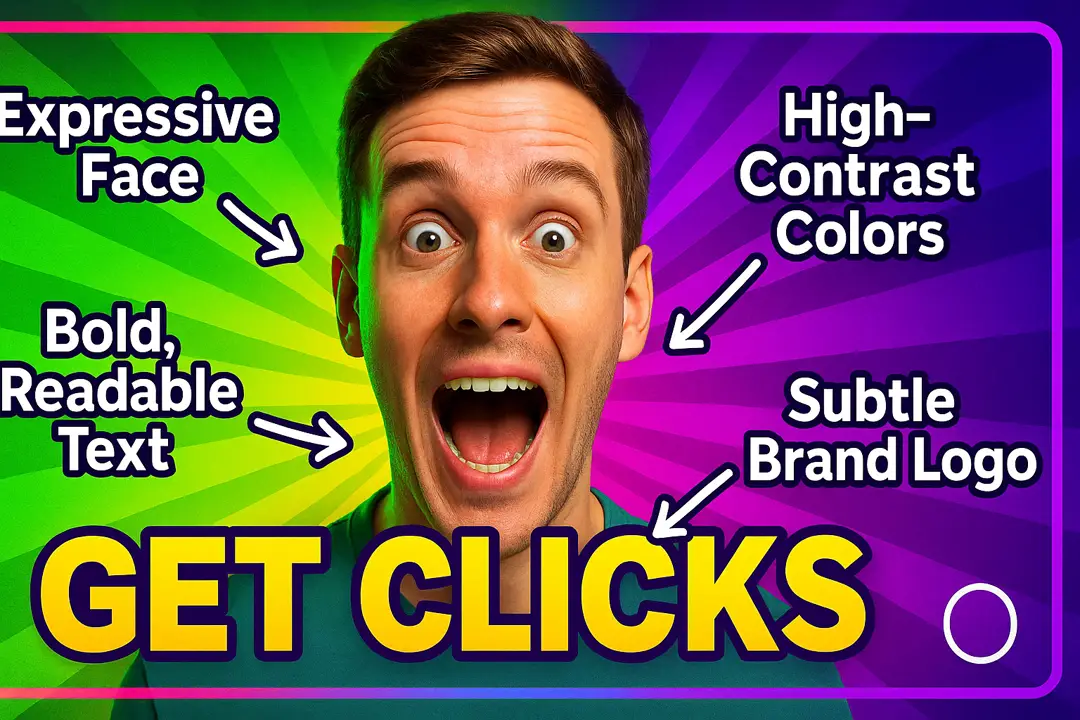
Humans are emotional creatures. We are hardwired to respond to faces, especially those showing strong emotions like shock, joy, anger, or curiosity. A thumbnail featuring a clear, expressive human face is one ofthe most powerful tools in your arsenal. The emotion you display sets the tone for the video and creates an immediate connection with the viewer.
Your thumbnail will often be seen as a tiny image on a mobile phone screen. The entire concept must be understandable in a fraction of a second. This means avoiding clutter. A simple, bold design with one central subject is far more effective than a busy, complicated scene. Ask yourself: “If I glance at this for one second, do I know what the video is about?”
While visuals are key, a few words of text can provide crucial context. Follow the “3-Word Rule”—try to use three words or fewer to convey your message. The text must be:
Your thumbnails should be instantly recognizable as yours. Consistent branding helps your subscribers spot your content in a crowded feed. This doesn’t mean every thumbnail should look identical, but they should share a common visual language. This could be a consistent font, a specific color palette, a logo in the corner, or a recurring layout style.
Every great thumbnail follows a classic marketing principle: Attention, Interest, Desire, Action.
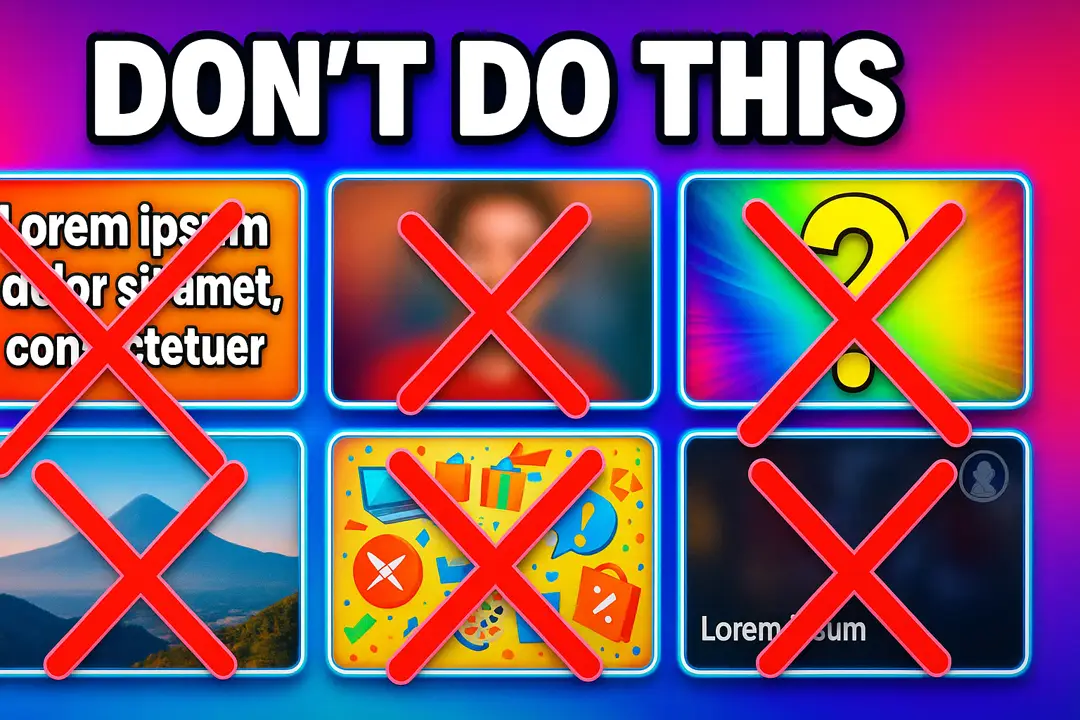
Many creators unknowingly sabotage their own videos with poor thumbnail design. Here are the most common mistakes to avoid:
We’ve seen the challenges. We know that mastering color theory, composition, and graphic design is a full-time job. We know that creators should be focused on creating great content, not spending hours fighting with complex design software.
That’s why we built the Stream Skins Creator Kit.
The Creator Kit is an all-in-one design studio built specifically for content creators. It’s the ultimate solution for crafting professional, high-CTR YouTube thumbnails in minutes, not hours. We’ve taken all the principles of successful design and embedded them into a powerful, intuitive tool that empowers you to create click-worthy art, regardless of your design experience.
Stop guessing what works. Start creating with confidence. Explore the Creator Kit today.
The Creator Kit is more than just a template editor; it’s a complete ecosystem designed to streamline your entire creative workflow.
Jumpstart your creative process with a massive library of templates designed for every niche: gaming, vlogs, tutorials, tech reviews, and more. Each template is built by professional designers based on proven, high-performing layouts. You can easily change the text, colors, and images to perfectly match your brand and video content.
Stop wasting time scouring the internet for design assets. The Creator Kit includes a comprehensive library of everything you need:
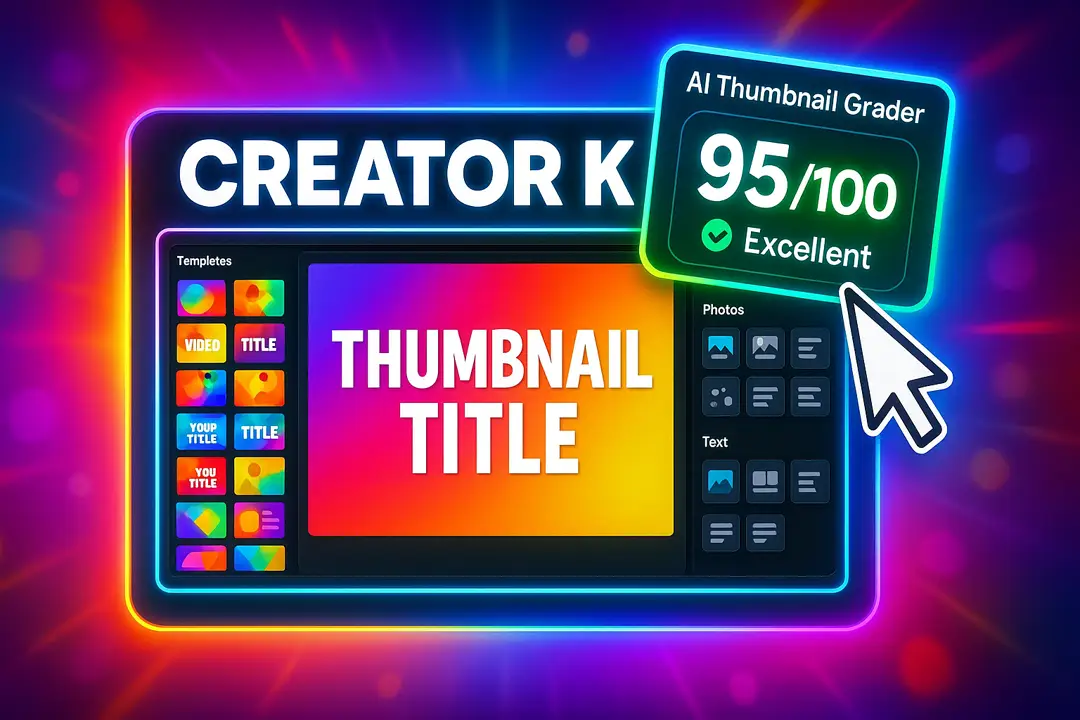
This is our game-changing feature. How do you know if your thumbnail is actually good before you publish it? Our AI Thumbnail Grader analyzes your design in real-time and gives you a score based on key performance metrics like clarity, color contrast, text readability, and emotional impact. It’s like having a professional art director looking over your shoulder, giving you data-driven feedback to maximize your CTR.
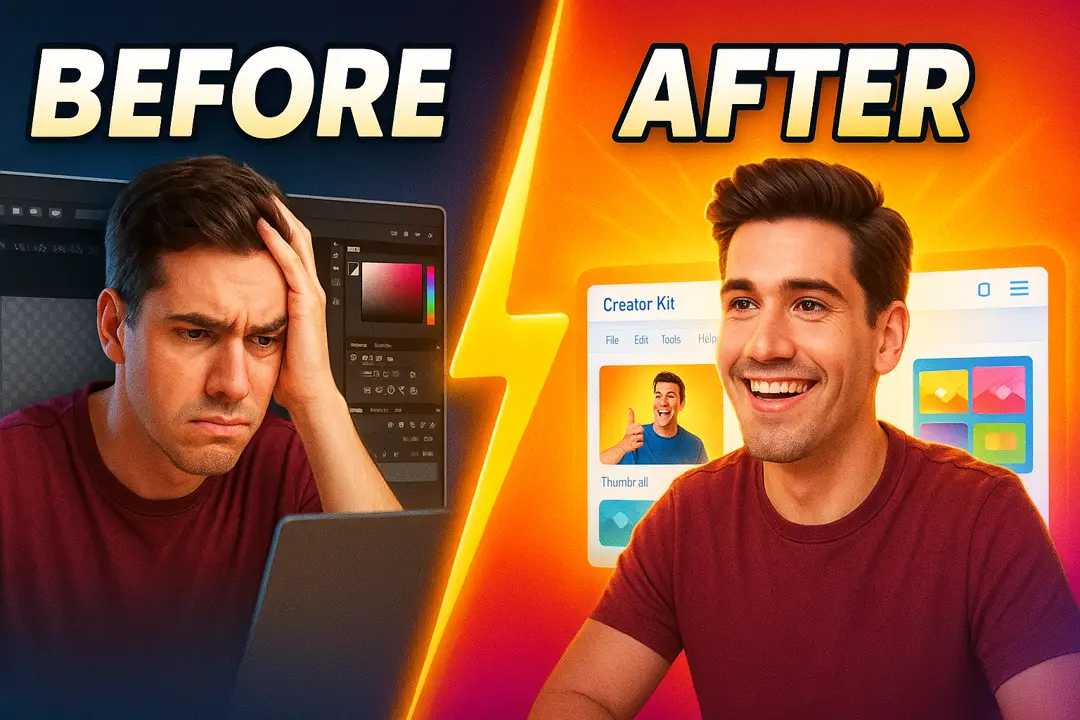
Let’s be honest about the old way of making thumbnails and compare it to the Creator Kit experience.
Before the Creator Kit:
After the Creator Kit:
This tool is designed to help you make your stream look professional across all your platforms, giving you more time to focus on creating the content your audience loves.
What is the ideal YouTube thumbnail size? The official recommended size for a YouTube thumbnail is 1280×720 pixels, with a minimum width of 640 pixels. This is a 16:9 aspect ratio, which matches the YouTube video player.
Do I need Photoshop or any other design software to use the Creator Kit? No! The Creator Kit is a completely browser-based tool. You don’t need to install any software. Everything you need, from templates to assets to editing tools, is included and accessible from anywhere.
Are all the assets in the Creator Kit library royalty-free? Yes. Every background, icon, font, and image in our library is licensed for commercial use, so you can use them in your monetized YouTube videos without any worry of copyright claims.
How does the AI Thumbnail Grader actually work? Our AI has been trained on tens of thousands of the highest-performing YouTube thumbnails across multiple niches. It analyzes your design for key characteristics that correlate with a high CTR, such as color contrast, text size and placement, facial expression detection, and overall visual clarity.
Can I upload my own images and fonts? Absolutely. The Creator Kit is designed to be flexible. You can upload your own photos, logos, and even custom fonts to use in your designs and save them to your Brand Kit for easy access.
Your YouTube thumbnail is the gateway to your content. In a world of infinite choice, a professional, compelling, and clear thumbnail is no longer a luxury—it’s a necessity for growth. It’s the first and most important step in convincing a viewer to give your hard work a chance.
Stop treating your thumbnails as an afterthought. Start treating them as the essential marketing tool they are. With the principles in this guide and the power of the Stream Skins Creator Kit, you have everything you need to stand out, get more clicks, and grow the channel of your dreams.
Your next steps are to:
Your YouTube thumbnail is the single most important element for the success of your video. It’s more important than your title, your description, and your
You’ve just gone live. A new viewer, intrigued by your title, clicks on your stream. The first thing they do? They follow, waiting to see

Stream Skins is a Design Company focused on improving your stream.
Do you want to evolve your stream?
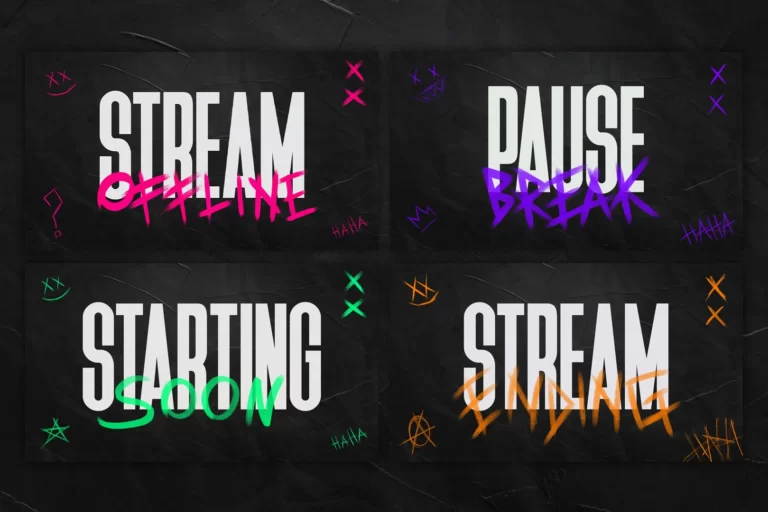
Premium Stream Overlays, Starting Soon, BRB, Stream Ending, Facecams, Transitions, Twitch Banners & Panels. Check out our Stream Shop.